Create a procedural brush
Build a reusable pattern on a separate paint layer. Procedural brushes live in the saved Forge document, so you can return to the same slot and adjust it later.
Start with the cube from Paint a prop in layers, or another UV-ready object. Add an unlocked layer for experiments and leave any finished layers below it.
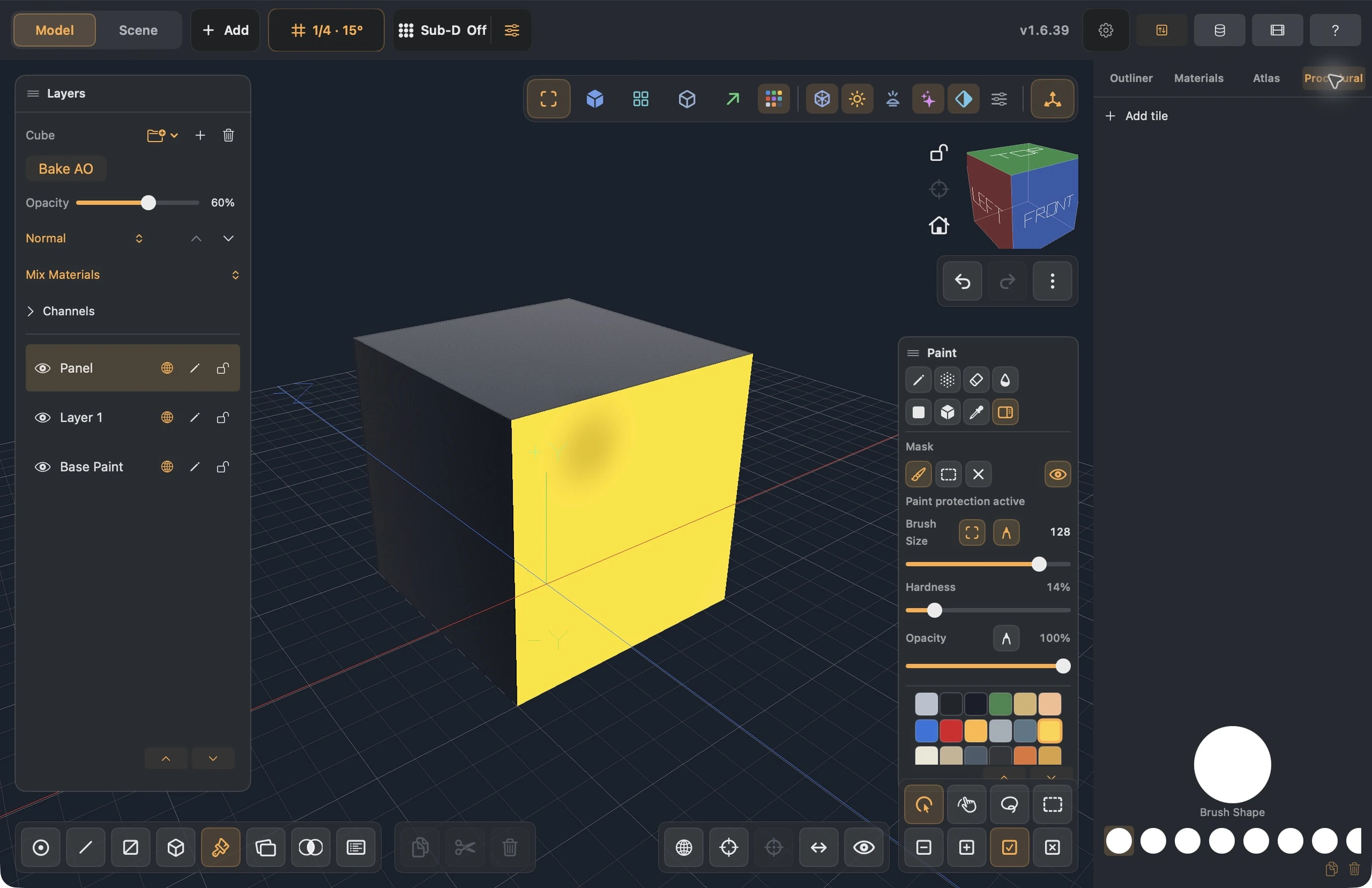
The screenshot shows an empty slot before adding its tiles.
1. Choose a slot and build a mask
- Open Procedural in the Paint sidebar.
- Select an empty brush slot. A default circle can represent an empty slot; select the slot before editing.
- Open Add Tile and add a shape, such as a circle or rounded rectangle.
- Click the tile to open its settings and adjust Size.
- Add a Repeat tile for a repeated pattern. Start with a low Number and a Size that leaves gaps.
- Inspect Brush Preview. Filled shapes indicate coverage; transparent gaps leave the lower layer visible.
Tiles evaluate in order. Distress/noise and combine operations can change the preceding shape; start with one shape and one repeat so you can see each change clearly. Valid settings save immediately; there is no additional Apply step for the graph.
2. Choose what the graph controls
Tile outputs can feed Brush, Color, Roughness, Metallic, Height, or Source channels as available. Begin with the Brush output to understand the footprint before combining surface channels. A change to the brush mask and a change to material roughness have different effects even if they use the same graph.
Select the saved slot to bind its brush to the active unlocked layer. Choose a contrasting material, switch to Pencil, and test a short stroke on the model or in Atlas. Undo that stroke if the coverage is wrong, revise the tile, and try again.
3. Keep the experiment reversible
- Change the layer's opacity or eye to compare with the base.
- Lock completed layers before selecting another slot or painting a new pass.
- Duplicate a saved slot before making a variant if you want to keep its earlier recipe.
- Deleting a slot removes its bindings; Undo can restore them.
- Save the Forge project to retain slots and layers. Texture/model exports contain the supported resolved appearance, not an editable procedural authoring graph for another app.
For image-backed materials, Poly Haven is a separate source of PBR textures; a procedural brush controls how you place or modify paint.